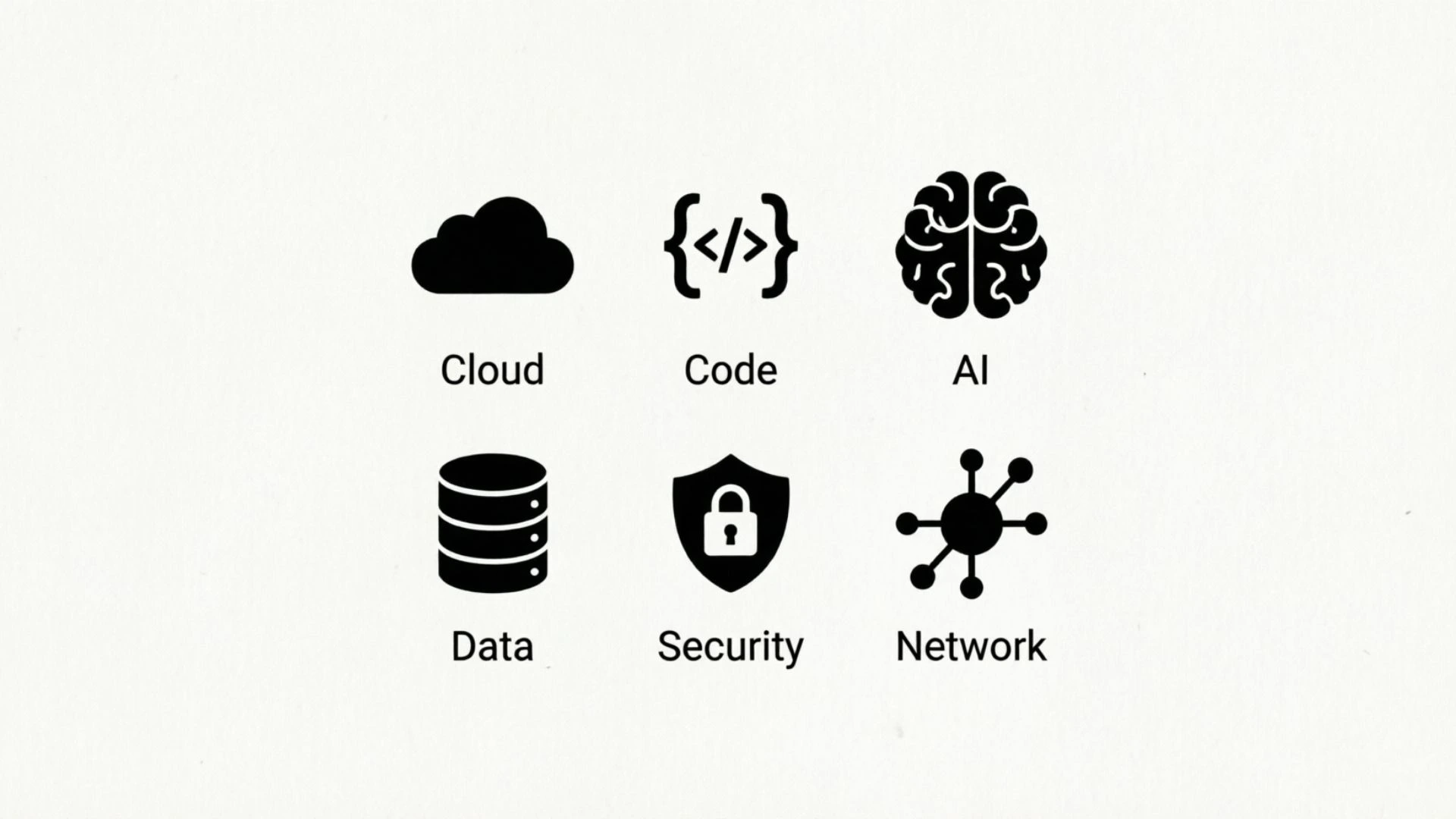
Technology is filled with small symbols that help you understand devices, apps, websites, and digital tools without reading long instructions.
From the familiar Wi-Fi icon to the power button, these marks communicate useful information in seconds.
I use many of them every day, and you probably do too, even when you do not know their official names.
If you have ever wondered what a particular icon on your phone, computer, keyboard, or software means, learning common tech symbols can make digital life much easier. You can recognize warnings, settings, connections, controls, and functions at a glance.
Some symbols also have meanings beyond technology. Mathematical signs, keyboard characters, coding symbols, and interface icons may look similar but serve very different purposes.
In this guide, I will explain common technology symbols in simple language. You will also learn where they are used, what they mean, and how to choose or understand symbols for digital design, logos, tattoos, and personal projects.
What Symbol Represents Technology? (Quick Answer)
There is no single universal symbol for technology, but the power symbol (⏻), gear/settings icon (⚙), microchip (⌬ or chip icon), and Wi-Fi symbol (◔ with signal waves) are among the most recognizable technology-related symbols.
For a general technology design, a microchip or gear often communicates technology, computing, engineering, or digital innovation most clearly.
What Are Tech Symbols?
Tech symbols are visual signs, icons, characters, and marks used to communicate information about technology, electronics, computing, communication, and digital systems.
They can appear on smartphones, computers, keyboards, websites, software interfaces, electronic devices, instruction manuals, and technical diagrams.
A symbol may tell you what a button does, show the status of a device, identify a connection, or warn you about a problem. For example, a battery icon shows power status, while a Wi-Fi symbol indicates wireless network connectivity.
The meaning of a symbol depends heavily on its context. A plus sign can mean “add” in an app, positive value in mathematics, or cross-shaped decoration in another setting.
That is why it is useful to consider where a symbol appears, what device uses it, and what action surrounds it rather than assuming every symbol has one fixed meaning.
Tech Symbols Comparison Table
| Symbol | Main Meaning | Best Use |
| ⏻ | Power / On-Off | Devices, electronics, interfaces |
| ⚙ | Settings / Configuration | Apps, websites, computers |
| ⌘ | Command | Apple keyboards and shortcuts |
| @ | At / Digital address | Email, usernames, social media |
| # | Number / Hashtag | Social media, coding, labeling |
| Wi-Fi icon | Wireless connection | Phones, routers, computers |
| 🔒 | Security / Locked | Websites, apps, privacy |
| 🔍 | Search | Websites, apps, software |
| ⏯ | Play / Pause | Media players |
| 🔋 | Battery / Power level | Phones, laptops, electronics |
| USB symbol | USB connection | Computers and accessories |
| Bluetooth symbol | Wireless device connection | Phones, computers, accessories |
Top 12 Tech Symbols and Their Meanings
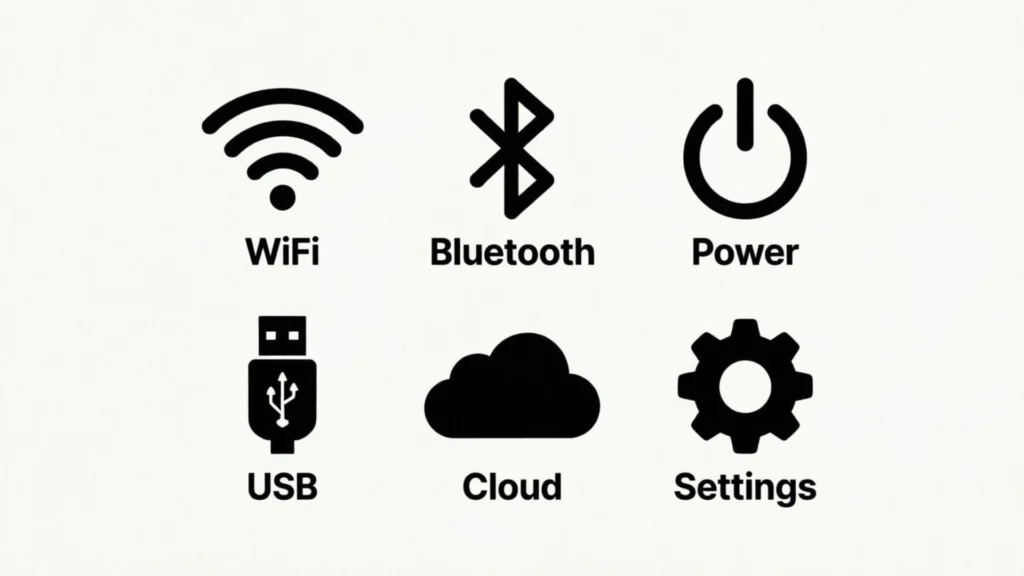
1. Power Symbol ⏻: Turning Technology On and Off
The power symbol is one of the most recognizable marks in modern electronics. It generally indicates the control used to turn a device on, off, or place it into a power-related state.
Its familiar design combines a broken circle with a vertical line. You may find it on computers, televisions, monitors, speakers, appliances, and other electronic equipment.
Today, the power icon is useful because it communicates a basic device function without requiring words. It is also common in digital interfaces.
Best for: electronics, app interfaces, device controls, technology logos, instructional graphics.
2. Gear Symbol ⚙: Settings and Configuration
The gear icon commonly means settings, options, preferences, or configuration. It appears throughout smartphones, computers, websites, applications, and gaming systems.
Selecting a gear often takes you to controls where you can change language, notifications, privacy, appearance, account preferences, or device functions.
Because gears are associated visually with mechanisms and machines, they have become a familiar interface symbol for controlling how something works.
Best for: software interfaces, technology websites, tutorials, dashboards, app design.
3. At Symbol @: Digital Communication
The @ symbol is closely connected with modern digital communication. It is essential in email addresses and is also widely used for usernames and mentions on social platforms.
In programming and technical environments, @ can have additional meanings depending on the language or application.
Its everyday digital use makes it one of the most recognizable technology-related keyboard symbols.
Best for: email, usernames, social media, digital communication, coding.
4. Hashtag # : Tags and Digital Organization
The # symbol has several technical uses. In social media, it commonly introduces a hashtag that groups content around a topic. In some programming languages, it can have an entirely different function.
You may also see it used for numbers, labels, channels, or identifiers.
Its meaning is therefore highly dependent on context. A # on a social platform usually relates to tagging or categorizing content, while the same character in code may perform a technical function.
Best for: social media, coding, digital labels, content categories, online communities.
5. Command Symbol ⌘: Apple Keyboard Shortcuts
The Command symbol (⌘) is strongly associated with Apple keyboards and operating systems. It identifies the Command key used in many keyboard shortcuts.
For example, common shortcuts combine Command with another key to perform actions such as copying, pasting, saving, or opening functions.
Unlike many general technology icons, this symbol has a particularly recognizable role within Apple’s interface and keyboard design.
Best for: keyboard guides, Apple-related instructions, shortcut charts, technology education.
6. Wi-Fi Symbol: Wireless Internet Connection
The Wi-Fi icon is commonly shown as a small point or base with curved signal lines above it. It indicates a wireless network or connection.
You may see it on smartphones, laptops, tablets, routers, smart televisions, and other connected devices.
The number or appearance of the signal bars can also provide information about connection strength or status, although exact designs vary between devices and operating systems.
Best for: network diagrams, routers, websites, apps, digital communication designs.
7. Lock Symbol 🔒: Security and Privacy
A lock icon usually communicates security, privacy, restricted access, or a locked state.
On websites, a lock may appear alongside information about a secure connection. In apps and devices, it can indicate that a feature, file, screen, or account is protected.
The symbol is especially useful because its meaning is easy to understand without language.
Best for: cybersecurity graphics, privacy interfaces, login screens, apps, security education.
8. Search Symbol 🔍: Finding Information
The magnifying glass is the standard visual symbol for search. It appears on websites, smartphones, computer programs, file managers, and online services.
Clicking or tapping it normally opens a search field or begins a search function.
Its design is simple and highly recognizable, which is why it works well in both small mobile interfaces and larger desktop layouts.
Best for: websites, apps, search bars, software, digital directories.
9. Play and Pause Symbols ⏯: Media Controls
The triangle-shaped play symbol and two-bar pause symbol are familiar controls for digital media. You will find them on music players, video platforms, podcasts, editing software, and presentation tools.
The symbols are useful because they allow users to control media without reading labels.
Different platforms may combine, separate, or slightly redesign these controls, but their basic meanings remain widely understood.
Best for: video interfaces, music apps, media players, presentations, editing tools.
10. Battery Symbol 🔋: Power Status
The battery icon communicates the remaining power of a portable electronic device. It is commonly displayed on smartphones, laptops, tablets, smartwatches, and other rechargeable electronics.
Different versions may show charging, low power, full capacity, or reduced battery levels.
Because battery symbols can change as the power level changes, they provide information quickly without requiring a percentage every time.
Best for: mobile interfaces, electronics manuals, dashboards, app designs, device illustrations.
11. Bluetooth Symbol: Wireless Device Connections
The Bluetooth symbol identifies technology used to connect compatible devices wirelessly over short distances.
You may encounter it when pairing headphones, speakers, keyboards, mice, cars, smart devices, and phones.
The recognizable symbol is based on stylized letter-like elements rather than a simple everyday object, making it particularly associated with wireless connectivity.
Best for: device packaging, connection menus, technology diagrams, electronics, app interfaces.
12. Mathematical Symbols: Technical and Digital Communication
Mathematical symbols are another important group of characters frequently encountered in technology, programming, engineering, spreadsheets, and scientific applications.
Common examples include + (plus), − (minus), × (multiplication), ÷ (division), = (equals), < (less than), > (greater than), % (percent), √ (square root), and ∞ (infinity).
Their meanings are usually precise in mathematics, but some may have different functions in programming or technical systems.
For example, “=” may indicate equality in mathematics but can be used for assignment in some programming languages.
Best for: mathematics, programming, spreadsheets, engineering, science, technical education.
Best Tech Symbols for Tattoos
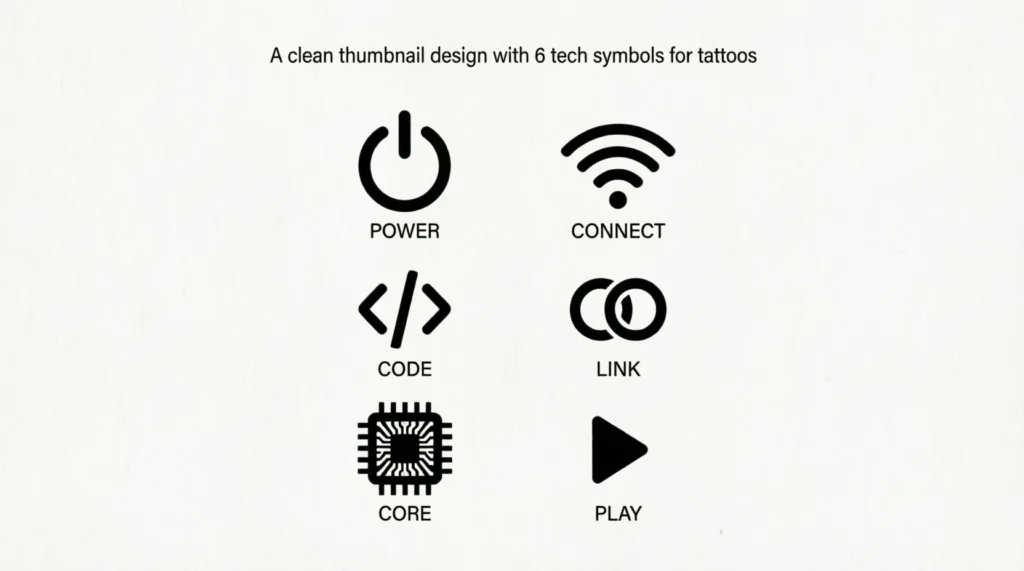
Technology-inspired tattoos can range from tiny keyboard characters to detailed circuit designs. The best choice depends on whether you want the tattoo to represent computing, creativity, innovation, communication, or a personal connection with technology.
Simple symbols usually work particularly well for small tattoos because they remain recognizable at a reduced size.
Some ideas include:
- ⌘ Command symbol — a subtle choice for Apple or keyboard enthusiasts
- Microchip icon — computing and digital technology
- ⚙ Gear — engineering, systems, and technical creativity
- Power symbol ⏻ — control, energy, or a new beginning
- Binary-inspired design — digital identity or computing
- Wi-Fi symbol — communication and connectivity
Before getting a symbol permanently tattooed, verify its meaning in the specific context you intend.
Best Tech Symbols for Logos and Design
For logos, technology symbols should be simple enough to recognize quickly. A complicated technical illustration may look impressive but become difficult to identify when reduced to a small website icon or social media profile image.
Gears, circuits, microchips, power icons, connection lines, and abstract digital nodes can work well in technology-focused branding.
Designers should also consider whether the symbol already has a very specific association. A Wi-Fi icon, for example, immediately suggests wireless connectivity, while a gear may communicate settings, engineering, or mechanical systems.
Keep the design clean, scalable, and easy to understand.
Best Tech Symbols for Family, Spiritual, or Personal Meaning
Technology symbols are not traditionally associated with family or spirituality in the same way as many religious or cultural symbols. However, people can give a technological symbol personal meaning.
A family might use connected nodes or circuit-like lines to represent communication and shared relationships. A power symbol could represent a personal turning point or renewed energy. A simple infinity sign may be chosen to express an enduring bond.
The important point is to distinguish personal symbolism from established cultural or religious meaning. A symbol can be meaningful to you without having a traditional connection to a particular belief system.
Before Using Cultural or Sacred Symbols
Not every symbol that looks technical is purely technological. Some shapes and signs have religious, historical, or cultural meanings that existed long before modern digital technology.
If you plan to use a symbol in a tattoo, logo, product, artwork, or commercial design, take time to understand its background. Avoid assuming that a symbol means the same thing in every community.
This is especially important for sacred symbols. A respectful design begins with understanding rather than simply choosing an attractive shape.
How to Choose the Right Symbol for Technology
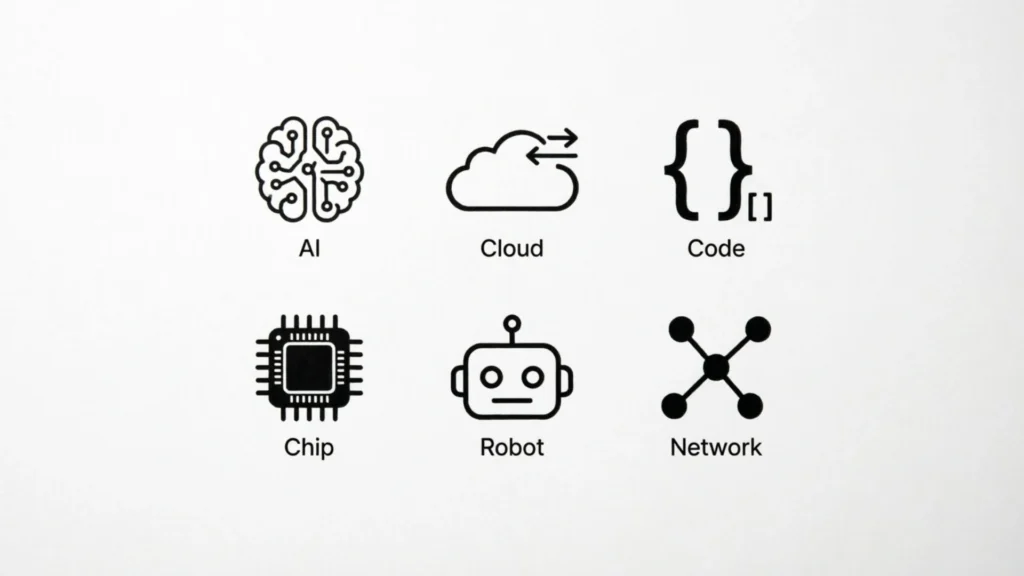
Choosing the right tech symbol becomes easier when you first decide what you want it to communicate.
Think about personal meaning: If the symbol is for a tattoo or personal artwork, choose something connected to your own experience.
Consider the context: A gear works well for settings or engineering, while Wi-Fi is more specific to wireless communication.
Check cultural meaning: Research symbols that may have religious or cultural origins before using them.
Think about size: A logo or tattoo may need a simpler symbol than a poster or illustration.
Prioritize recognition: Choose a design that people can understand quickly, especially for interfaces and signs.
Check technical accuracy: If you are creating educational material, make sure the symbol is being used according to the relevant device, software, mathematical, or programming convention.
FAQs About Tech Symbols
What is the best symbol for technology?
There is no single universal technology symbol. A microchip, gear, power icon, or circuit design can communicate technology effectively. For general-purpose designs, a microchip or gear is often easier to understand because it suggests computing or technical systems without being tied to one specific function.
What symbol represents digital technology?
A microchip is one of the clearest symbols for digital technology because modern electronic systems rely heavily on integrated circuits. Circuit patterns, binary numbers, connected nodes, and digital brackets can also suggest computing and digital systems.
What is a good tech symbol tattoo?
A good technology tattoo should be simple and personally meaningful. Popular ideas include a microchip, power icon, Command symbol, circuit pattern, gear, or small mathematical character. Always check the exact meaning of a symbol before making it permanent.
What symbol represents family in technology?
There is no universally accepted technology symbol specifically representing family. For personal designs, connected nodes, linked circuits, or several interconnected points can suggest communication and relationships. Their meaning is more personal and modern than traditional.
What is a simple symbol for technology?
The gear, microchip, power symbol, and circuit pattern are among the simplest choices. A gear often suggests engineering or settings, while a microchip more directly points toward computing and electronics.
What color represents technology?
Blue is frequently used in technology-related visual design because it can create a clean, modern appearance and is common in digital interfaces. However, there is no universal color assigned to technology. Black, white, green, purple, and other colors can work depending on the brand or design.
What are mathematical symbols with names?
Common mathematical symbols include + (plus), − (minus), × (multiplication), ÷ (division), = (equals), < (less than), > (greater than), % (percent), √ (square root), and ∞ (infinity). Their exact use can vary in advanced mathematics and technical fields.
Why do technology symbols matter?
Technology symbols make digital systems easier to understand. A familiar icon can communicate power, security, connectivity, search, or settings without a long written explanation. This makes interfaces faster to navigate and more accessible across different languages.
Final Thoughts
Tech symbols are more than decorative marks. They are a practical visual language used across phones, computers, software, electronics, mathematics, and digital communication. Learning their meanings can help you navigate technology with greater confidence and choose better symbols for tattoos, logos, artwork, and educational designs.
The best symbol is not always the most complicated one. Choose a mark that fits your purpose, understand its established meaning, and give it personal meaning only where appropriate.

Lily Anderson is a passionate writer who enjoys turning everyday ideas into engaging and easy-to-read stories. She loves creating content that helps readers learn something new while keeping them entertained. Lily is the author of the original titles Whispers Between Ordinary Days and The Quiet Map of Tomorrow. When she’s not writing, she enjoys reading, exploring new places, and finding inspiration in everyday life. Her goal is to create meaningful content that readers can connect with and remember.
 Adam Sullivan