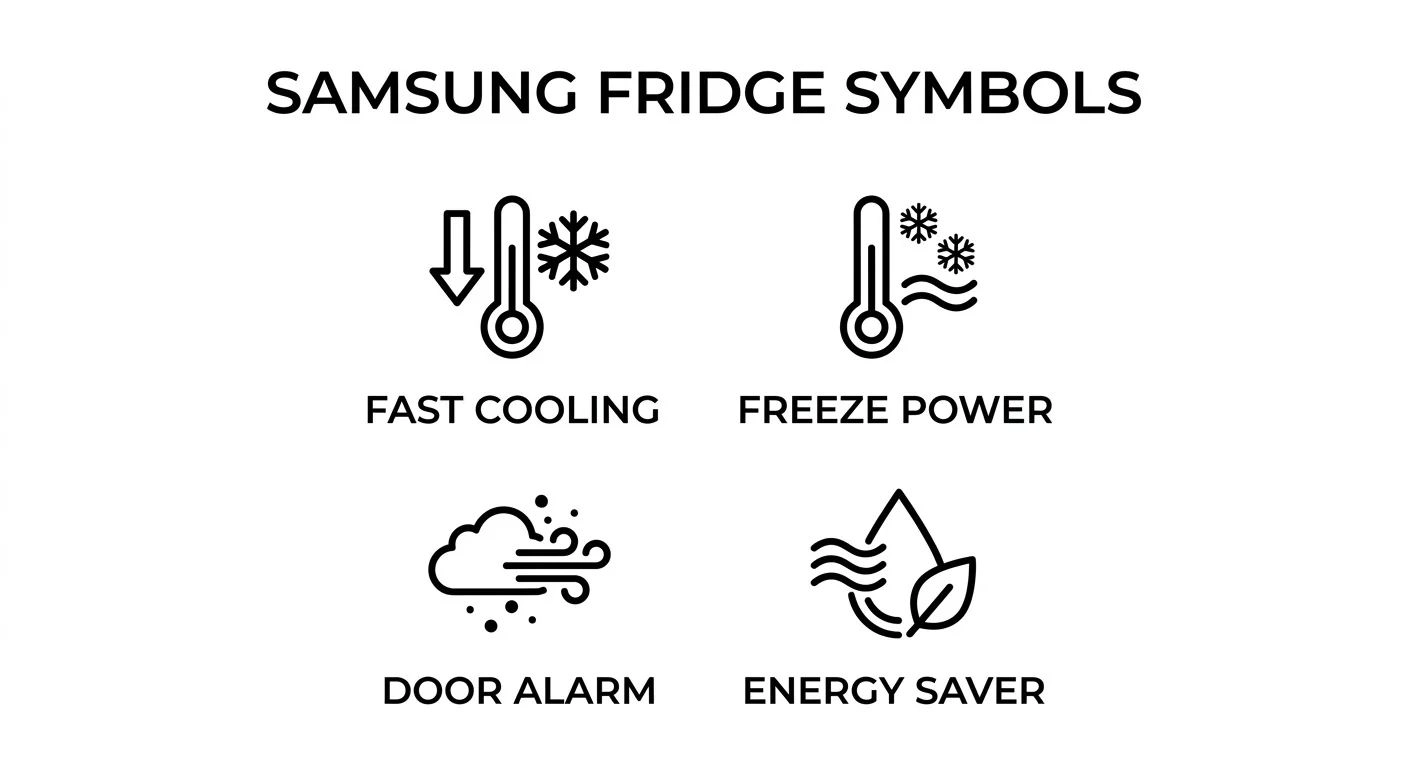
Samsung refrigerators use different symbols to help you control cooling, freezing, water filtration, ice production, and energy settings. These icons appear on the control panel, touchscreen, or water dispenser. While some are easy to recognize, others can leave you wondering what your refrigerator is trying to tell you.
For example, a snowflake may indicate Power Freeze, while a padlock usually represents Control Lock. You might also see a flashing temperature display, a red filter indicator, or an unfamiliar combination of letters and numbers.
Understanding these symbols helps you use your refrigerator correctly and recognize problems before they become serious. It also prevents you from changing settings unnecessarily when an icon simply shows that a feature is active.
Samsung makes several refrigerator styles, including French door, side-by-side, Bespoke, and Family Hub models. Their symbols and control panels can differ, so one icon or button combination may not work the same way on every appliance.
This guide explains common Samsung fridge symbols, what each one does, how to respond to warning indicators, and where to find the correct information for your refrigerator model.
Samsung Fridge Symbols and Their Meanings
Samsung refrigerator symbols communicate information about the appliance’s settings and operating condition. Some icons represent buttons you can press, while others appear as indicators when a feature is active.
The following table explains common symbols and their general meanings.
| Symbol or Display Label | Meaning | What It Does |
| Snowflake | Power Freeze | Increases freezer cooling performance |
| Water droplets | Power Cool | Increases refrigerator cooling performance |
| Umbrella | Vacation Mode | Adjusts operation while you are away |
| Padlock | Control Lock | Prevents accidental control-panel changes |
| Filter icon | Water Filter | Shows filter status or replacement reminder |
| Wi-Fi symbol | Wireless Connection | Indicates network connectivity |
| Bell | Door Alarm | Warns when a door remains open |
| Ice cube | Ice Maker | Shows or controls ice production |
| Water glass | Water Dispenser | Selects or indicates water dispensing |
| Temperature display | Fridge or Freezer Setting | Shows the selected compartment temperature |
| Light bulb | Dispenser Lighting | Controls dispenser illumination |
| Leaf or energy icon | AI Energy Mode | Indicates an energy-management feature |
| Sabbath Mode | Special Operating Mode | Changes selected display and control functions |
| OF OF | Cooling Off Mode | Indicates Demo or Shop Mode on applicable models |
Remember: These descriptions are not a universal symbol chart for every Samsung refrigerator. Some models use words instead of pictures, and certain features are available only on selected models.
Samsung Fridge Control Panel Symbols Explained
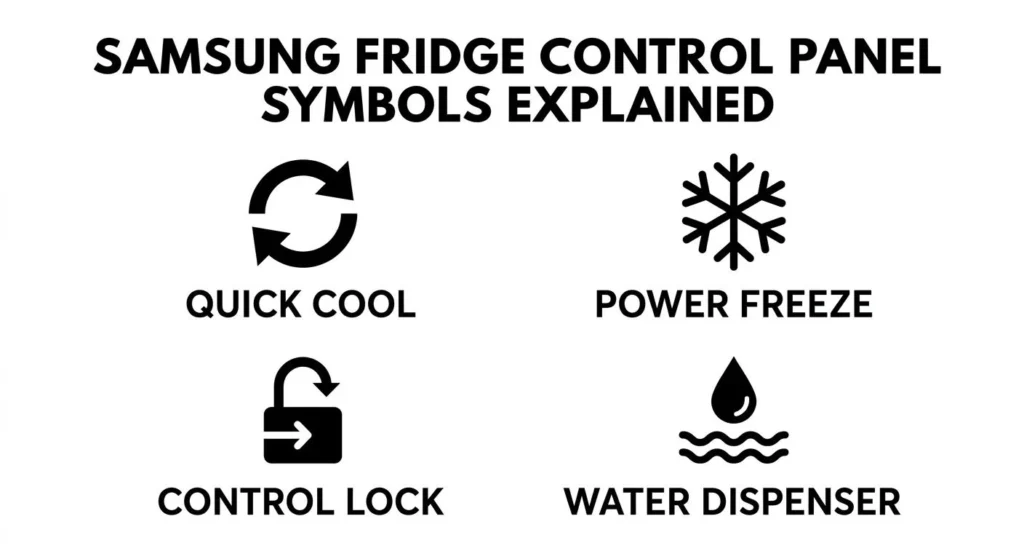
The control panel lets you adjust your refrigerator’s temperature and manage its main functions. Depending on the design, you may find it inside the refrigerator, above the dispenser, or on an external touchscreen.
Fridge Temperature Symbol
The Fridge symbol controls the temperature inside the refrigerator compartment. It may appear as the word Fridge, a temperature number, or a small compartment indicator.
Pressing this control usually allows you to select a different cooling temperature.
Samsung generally recommends setting the refrigerator compartment to 3°C (37°F). This is a useful everyday setting for keeping food properly chilled.
Some displays blink while you adjust the temperature. Others show the selected setting immediately and continue displaying it while the refrigerator works toward that temperature.
A flashing temperature display does not always mean something is broken. However, persistent flashing may indicate that the compartment is too warm.
Freezer Temperature Symbol
The Freezer symbol controls the temperature inside the freezer compartment.
You can use it to adjust the freezer setting according to your storage needs. Samsung generally recommends -18°C (0°F) for normal frozen food storage.
Some refrigerators have a separate Freezer button, while others combine temperature adjustment and Power Freeze functions.
If you are unsure which control changes the temperature, check the labels on your control panel or consult your model’s manual.
Power Cool Symbol
The Power Cool symbol may look like water droplets on certain Samsung refrigerator models.
Power Cool increases cooling performance inside the refrigerator compartment. It is useful when you need to cool food or drinks more quickly.
You may want to use this feature when:
- You bring home a large grocery order.
- You place several room-temperature drinks inside.
- You add food after a shopping trip.
- You have opened the refrigerator frequently.
- You want to cool recently stored items faster.
Power Cool is a temporary feature rather than a permanent temperature setting. It usually switches off automatically after a period of operation.
The exact duration and activation method depend on your refrigerator model.
Power Freeze Symbol
The Power Freeze symbol commonly appears as a snowflake or another freezing-related icon.
This function increases freezer cooling performance to help freeze food more quickly. On compatible refrigerators, it can also support faster ice production.
Power Freeze can be useful when you:
- Add fresh food to the freezer.
- Need to freeze several items quickly.
- Want to prepare ice for an event.
- Have recently placed a large quantity of food inside the freezer.
Keep in mind that increased cooling activity may use additional electricity while the feature is active.
Control Lock Symbol
The Control Lock symbol usually looks like a padlock.
When this setting is active, it prevents accidental changes to the refrigerator’s controls. It can be especially useful in homes with children or when people frequently touch the display.
You may notice that some buttons stop responding after activating Control Lock.
To deactivate it, press and hold the Lock control for the period specified in your refrigerator’s manual. Three seconds is common on some Samsung models, but the exact method varies.
Door Alarm Symbol
The Door Alarm symbol may appear as a bell, an open-door indicator, or a labeled button.
Its purpose is to alert you when a refrigerator door remains open for too long. On many models, the alarm sounds after approximately two minutes.
If the alarm keeps sounding, check these areas:
- Make sure every refrigerator door is fully closed.
- Move containers that prevent the door from shutting.
- Check whether shelves or drawers are sticking out.
- Clean the door seals if dirt prevents a proper seal.
- Make sure the refrigerator is positioned correctly.
A door alarm helps prevent cold air from escaping and protects the food stored inside.
Water Filter Symbol
The Water Filter symbol reminds you to monitor the condition of your refrigerator’s water filter.
It may appear as a filter-shaped icon, a colored indicator, or a replacement message.
When the indicator reaches its replacement stage, check the filter’s age and install a compatible replacement if required.
After replacing the filter, reset the indicator using the instructions for your model.
Ice Maker Symbol
The Ice Maker symbol indicates whether the refrigerator’s ice-making function is enabled.
Depending on your model, the control panel may include separate settings for:
- Ice Maker On.
- Ice Maker Off.
- Cubed Ice.
- Crushed Ice.
If the refrigerator stops producing ice, check whether the ice maker has been switched off. Also make sure the ice bucket is correctly installed and the water supply is available.
Samsung Refrigerator Special Feature Symbols
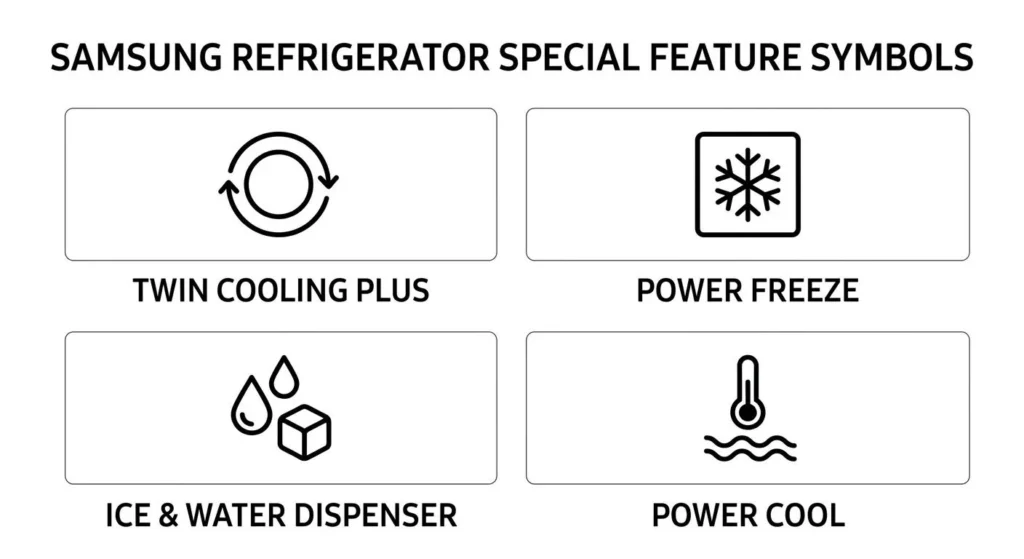
Many Samsung refrigerators include additional features for energy management, connectivity, food storage, and convenience.
Some appear directly on the control panel. Others are available through a touchscreen or the SmartThings app.
Vacation Mode Symbol
The Vacation Mode symbol commonly looks like an umbrella on certain Samsung refrigerators.
This setting is designed for people who leave home for an extended period.
On supported models, Vacation Mode changes how the refrigerator compartment operates to reduce unnecessary energy use while keeping the freezer running.
Before activating it, remove perishable food from the refrigerator compartment. Do not assume that Vacation Mode keeps the refrigerator compartment at its normal food-storage temperature.
The exact cooling behavior depends on the refrigerator model.
AI Energy Mode Symbol
AI Energy Mode is available on selected Samsung smart refrigerators.
It works with compatible SmartThings energy features to help manage electricity consumption.
Depending on the model and settings, the refrigerator may adjust its cooling operation to reduce energy use.
Some compatible refrigerators display an energy-related or leaf-style indicator when this feature is active.
AI Energy Mode is not available on every Samsung refrigerator. Check your model’s specifications before looking for this symbol.
Wi-Fi Symbol
The Wi-Fi symbol indicates the refrigerator’s wireless network status.
Compatible Samsung refrigerators can connect to the SmartThings app. Depending on the model, this connection allows you to monitor selected settings, receive notifications, and manage certain functions remotely.
If the Wi-Fi symbol flashes, the refrigerator may be waiting for setup or experiencing a connection problem.
Check your home network, router, and SmartThings settings before assuming that the appliance has a mechanical fault.
Sabbath Mode Symbol
Sabbath Mode is a special feature available on selected Samsung refrigerators.
It is designed for people observing the Sabbath and certain religious holidays.
When activated, it changes selected controls, sounds, lighting, and display behavior. The refrigerator’s cooling system continues operating to preserve food.
The exact functions affected depend on the model. Some refrigerators automatically deactivate Sabbath Mode after a set period, while others require manual deactivation.
Follow the instructions in your model’s manual when activating or turning off this feature.
AutoFill Pitcher Symbol
Some Samsung refrigerators include an AutoFill Water Pitcher feature.
It automatically fills a compatible water pitcher when the pitcher is correctly positioned inside the refrigerator.
The control panel may show an AutoFill indicator with an On or Off setting.
If the pitcher does not fill, check the following:
- Make sure the pitcher is correctly positioned.
- Confirm that AutoFill is enabled.
- Check the refrigerator’s water supply.
- Look for obstructions around the filling area.
- Make sure the pitcher is installed correctly.
This feature is available only on selected Samsung refrigerator models.
Energy Saver Symbol
The Energy Saver symbol appears on certain Samsung refrigerators.
It is designed to reduce electricity consumption by managing selected appliance functions.
Its exact operation varies by model. Some older refrigerators use an Energy Saver button that affects the door heating system, while newer models may offer different energy-management options.
Do not confuse the traditional Energy Saver setting with AI Energy Mode. They are separate features.
Lighting Symbol
The Lighting symbol usually looks like a light bulb.
It controls the light around the refrigerator’s water and ice dispenser on compatible models.
When activated, the dispenser light helps you see the controls and your glass more clearly.
Some models allow you to choose between automatic and continuous lighting. Others offer a simple On or Off setting.
Samsung Fridge Water Filter Symbols and Light Colors
The water filter indicator helps you monitor when the refrigerator’s filtration system needs attention.
Depending on your model, it may use colors, a filter icon, or a written replacement message.
What Do Samsung Fridge Filter Light Colors Mean?
Some Samsung refrigerators use a color-changing indicator to show the filter’s replacement progress.
A common system uses blue, purple, and red indicators.
| Filter Light | Common Meaning |
| Blue | Filter recently replaced or indicator reset |
| Purple | Replacement time approaching |
| Red | Filter replacement reminder activated |
These meanings are examples, not a universal rule. Color systems and replacement reminders can differ between Samsung refrigerator models.
Always check the user manual to confirm what your filter indicator means.
What Does a Red Water Filter Light Mean?
A red filter light usually means the refrigerator’s filter replacement reminder has reached its limit.
It does not necessarily mean the filter suddenly stopped working. Instead, it tells you to check the filter’s age and replace it according to the manufacturer’s instructions.
Samsung generally recommends replacing compatible refrigerator water filters every six months. Water quality and usage can affect how quickly a filter needs attention.
How to Reset the Samsung Fridge Water Filter Symbol
The reset process depends on the control panel.
Common methods include:
- Locate the Filter Reset control.
- Replace the old filter if it has reached its replacement period.
- Install the correct compatible replacement.
- Follow the instructions for flushing the water system.
- Press and hold the Filter Reset control if your model uses one.
- Confirm that the indicator returns to its normal status.
Some refrigerators use the Alarm button or a touchscreen menu instead of a separate Filter Reset button.
Resetting the indicator does not replace the filter. Always complete the replacement process when necessary.
Samsung Fridge Symbols Flashing: Causes and Solutions
A flashing Samsung refrigerator symbol can indicate a normal operating condition or a warning that requires attention.
The correct explanation depends on the icon, the refrigerator model, and any additional message on the display.
Temperature Display Flashing
A flashing temperature display can indicate that the refrigerator compartment is warmer than its selected setting.
This may happen after:
- A power outage.
- Leaving the door open.
- Adding a large quantity of warm food.
- Switching on the refrigerator for the first time.
- A temporary interruption in cooling.
Start by checking that all doors are fully closed.
Avoid opening the refrigerator unnecessarily while it returns to its normal temperature.
If the display continues flashing or the refrigerator does not cool properly, follow the troubleshooting instructions for your model.
Ice Off Symbol Flashing
A flashing Ice Off indicator can mean that the ice bucket is missing or incorrectly installed on certain Samsung models.
Try these steps:
- Open the freezer compartment.
- Remove the ice bucket carefully.
- Check for ice buildup or anything blocking its position.
- Reinstall the bucket correctly.
- Check whether the indicator stops flashing.
If the warning remains, consult your refrigerator’s manual or Samsung support.
Filter Symbol Flashing
A flashing filter symbol may indicate that the water filter replacement reminder is active.
Check when you last replaced the filter. If it has reached its replacement period, install a compatible filter and reset the indicator.
If the light continues flashing after replacement, confirm that you followed the correct reset procedure for your model.
Wi-Fi Symbol Flashing
A flashing Wi-Fi icon may indicate that the refrigerator is not connected to your wireless network.
Check whether your internet connection is working. Then confirm that the refrigerator is connected to the correct network and that SmartThings setup is complete.
A router change or updated network password may also interrupt the connection.
The exact flashing behavior depends on the refrigerator model.
All Symbols Flashing Together
If all refrigerator icons flash after the appliance is plugged in or after a power outage, this may be part of a normal startup self-diagnostic process.
Samsung identifies this behavior on certain models as part of the appliance’s initial checks.
Allow the display to complete its process before attempting a reset.
If the flashing continues or an error code appears, consult Samsung’s troubleshooting instructions for your model.
Samsung Fridge Error Codes and Their Meanings
Samsung refrigerators sometimes display letters, numbers, or combinations of both.
These messages are different from ordinary control-panel icons. They can indicate problems involving sensors, fans, ice makers, defrost systems, or other components.
The following table lists examples of codes used on certain Samsung refrigerator models.
| Error Code | Common Meaning on Applicable Models |
| OF OF / O FF / OFF OFF | Cooling Off or Demo Mode |
| AP | Access Point or Wi-Fi setup |
| 5E | Defrost sensor error |
| 8E | Freezer ice maker sensor error |
| 14E | Ice maker sensor error |
| 33E | Ice pipe heater error |
| 39E / 39C | Ice maker function error |
| 40E / 40C | Ice room fan error |
This is not a complete error-code list. Samsung may use different codes and troubleshooting procedures across refrigerator generations.
What Does OF OF Mean on a Samsung Fridge?
OF OF means Cooling Off Mode, also known as Demo Mode or Shop Mode.
This setting is designed for refrigerators displayed in stores.
When Cooling Off Mode is active, the refrigerator’s lights and certain internal functions may operate, but the cooling system does not cool the refrigerator or freezer.
You may also see messages such as O FF, OFF OFF, or scrolling temperature bars.
If your refrigerator displays this message at home, it may have entered Demo Mode accidentally.
The method for deactivating it depends on your model. Some refrigerators require holding multiple buttons together, while others use a different control-panel procedure.
Do not try random button combinations. Find the correct instructions in your refrigerator’s user manual.
What Does AP Mean on a Samsung Refrigerator?
AP generally stands for Access Point.
It can appear when a compatible refrigerator is operating as a wireless access point during Wi-Fi setup.
This helps the refrigerator connect to the SmartThings app.
If AP appears during setup, follow the connection instructions provided for your model.
What Does 5E Mean on a Samsung Fridge?
On applicable Samsung models, 5E indicates a defrost sensor error.
The refrigerator may have difficulty detecting or managing its defrost process.
Because the issue involves an internal component, check the official troubleshooting guide before attempting repairs.
What Does 8E Mean on a Samsung Fridge?
On applicable models, 8E indicates a freezer ice maker sensor error.
This code relates to the sensor that monitors part of the ice-making process.
Check the refrigerator’s manual for the recommended steps. If the error remains, professional inspection may be necessary.
What Do 39E and 39C Mean?
On certain Samsung refrigerators, 39E or 39C indicates an ice maker function error.
The refrigerator may be experiencing difficulty operating its ice-making system.
Check the ice maker settings, water supply, and ice compartment for visible obstructions. If the code continues to appear, contact Samsung support.
What Do 40E and 40C Mean?
On applicable models, 40E or 40C indicates an ice room fan error.
The fan helps manage airflow inside the ice-making compartment.
A persistent warning may require technical inspection. Avoid taking apart the refrigerator to access internal electrical components.
When Should You Contact Samsung Support?
Contact Samsung or a qualified appliance technician if:
- An error code repeatedly returns.
- The refrigerator stops cooling.
- The freezer cannot maintain its temperature.
- The ice maker repeatedly fails.
- A warning remains after model-specific troubleshooting.
- You notice unusual electrical smells or signs of an electrical problem.
Record the exact code before contacting support. This information can help a technician identify the issue.
What Temperature Should a Samsung Fridge Be Set At?
Correct temperature settings help preserve food and maintain reliable refrigerator performance.
Samsung generally recommends these everyday settings:
| Compartment | Recommended Temperature |
| Refrigerator | 3°C (37°F) |
| Freezer | -18°C (0°F) |
These are general recommendations. Your refrigerator’s operating conditions can also depend on its model and surrounding environment.
How to Change the Samsung Fridge Temperature
The exact process depends on the control panel, but many Samsung refrigerators follow these general steps:
- Wake up the control panel if its display is inactive.
- Select Fridge to adjust the refrigerator compartment.
- Select Freezer to adjust the freezer compartment.
- Use the arrows or temperature control to select the desired setting.
- Wait for the display to confirm your selection.
- Give the appliance time to reach the new temperature.
Some models use a touchscreen or a combined selection button instead of separate controls.
Why Does the Samsung Fridge Temperature Keep Flashing?
The temperature display may flash while you adjust a setting or when the refrigerator detects that a compartment is warmer than its target temperature.
A recent power outage, an open door, or a large amount of newly stored food can contribute to a temporary temperature increase.
Check the door seals and make sure the vents are not blocked by food containers.
If the display continues flashing and the refrigerator does not cool correctly, use the model-specific troubleshooting guide.
Samsung Fridge Symbols on Different Refrigerator Models
Samsung uses different control panels across its refrigerator range. The available icons depend on the model, features, and manufacturing generation.
Samsung French Door Refrigerator Symbols
French door refrigerators usually have two upper refrigerator doors and a lower freezer compartment.
Their control panels may include:
- Fridge Temperature.
- Freezer Temperature.
- Power Cool.
- Power Freeze.
- Water Filter Reset.
- Ice Maker.
- Door Alarm.
- Control Lock.
- Wi-Fi Connection.
Some models also include flexible storage compartments and additional cooling controls.
Samsung Side-by-Side Refrigerator Symbols
Side-by-side refrigerators have refrigerator and freezer compartments positioned next to each other.
Their external dispenser panels may include:
- Cubed Ice.
- Crushed Ice.
- Water.
- Ice Maker Off.
- Lighting.
- Filter Reset.
- Control Lock.
- Temperature Controls.
The exact arrangement depends on the model.
Samsung Family Hub Refrigerator Symbols
Family Hub refrigerators include a touchscreen that provides access to appliance settings and smart features.
Depending on the model, the display may include:
- Fridge Manager.
- Fridge and Freezer Temperature.
- Water Filter Status.
- Ice Maker Settings.
- SmartThings Connection.
- Food Management.
- Internal Camera Features.
- Self Check.
Many Family Hub functions appear inside touchscreen menus rather than as physical buttons.
Samsung Bespoke Refrigerator Symbols
Bespoke refrigerators come in different configurations, so their control panels can vary.
Selected models may include:
- AI Energy Mode.
- Power Cool.
- Power Freeze.
- Wi-Fi.
- AutoFill Pitcher.
- Ice Maker.
- Water Filter.
- Flexible Compartment Controls.
Check the specifications and user manual for your exact Bespoke model to identify its symbols.
How to Identify an Unknown Samsung Fridge Symbol
If your refrigerator displays an unfamiliar icon, the model number is the best place to start.
Samsung provides manuals and support information for individual refrigerator models.
Follow these steps:
- Open the refrigerator door.
- Find the product information label.
- Write down the complete model number.
- Visit Samsung’s official support website.
- Search for your refrigerator model.
- Open the correct user manual.
- Find the control-panel or display section.
- Compare the manual’s illustrations with the icon on your refrigerator.
You can find Samsung refrigerator support here:
The model-specific manual is especially important when you need to identify a warning light, change a special setting, or troubleshoot an error code.
Common Mistakes When Understanding Samsung Fridge Symbols
A symbol may look simple, but using the wrong setting can create confusion. These common mistakes are worth avoiding.
Confusing Power Cool With Power Freeze
Power Cool increases cooling performance in the refrigerator compartment. Power Freeze increases freezing performance in the freezer.
They perform different jobs, so select the feature that matches the compartment you want to cool.
Resetting the Filter Light Without Replacing the Filter
Resetting the filter indicator does not renew an old filter or improve water quality.
Replace the filter when necessary, then reset the reminder using the correct procedure.
Assuming Every Flashing Icon Means a Fault
Some indicators flash during normal temperature adjustments, startup checks, or feature activation.
Check the symbol and any accompanying message before assuming the refrigerator has a technical problem.
Using the Wrong Demo Mode Button Combination
Different Samsung refrigerator models may use different button combinations to deactivate Cooling Off Mode.
A method that works on one refrigerator may not work on another. Always confirm the instructions for your exact model.
Ignoring Persistent Error Codes
An unfamiliar code may indicate a sensor, fan, ice maker, or cooling-related problem.
Record the code and check Samsung’s official troubleshooting information. Do not repeatedly clear the display without understanding what the message means.
Frequently Asked Questions About Samsung Fridge Symbols
What Do the Symbols on a Samsung Refrigerator Mean?
Samsung refrigerator symbols indicate different functions, settings, and warnings. Common examples include Power Cool, Power Freeze, Vacation Mode, Control Lock, Water Filter, Ice Maker, Wi-Fi, and Door Alarm. Their appearance depends on the refrigerator model.
What Does the Snowflake Symbol Mean on a Samsung Fridge?
The snowflake symbol generally represents Power Freeze. This feature increases freezer cooling performance to help freeze food more quickly and support faster ice production on compatible models.
What Does the Water Droplet Symbol Mean on a Samsung Refrigerator?
The water droplet symbol represents Power Cool on certain Samsung refrigerators. This feature increases cooling performance inside the refrigerator compartment to cool newly stored food and drinks more quickly.
What Does the Umbrella Symbol Mean on a Samsung Fridge?
The umbrella symbol represents Vacation Mode on certain Samsung refrigerator models. This setting changes refrigerator operation while you are away to help reduce unnecessary energy use. Remove perishable food before activating it.
What Does the Red Light Mean on a Samsung Fridge?
A red light may indicate a water filter replacement reminder or another warning, depending on the refrigerator model. Check the icon’s label and user manual before deciding what action to take.
What Does the Red Filter Symbol Mean on a Samsung Fridge?
The red filter indicator generally means the replacement reminder has been activated. Check the filter’s age, install a compatible replacement when necessary, and reset the indicator according to your model’s instructions.
What Does the Lock Symbol Mean on a Samsung Refrigerator?
The lock symbol indicates that Control Lock is active. This feature prevents accidental changes to refrigerator settings. Press and hold the appropriate Lock control to deactivate it according to your model’s manual.
Why Are the Symbols on My Samsung Fridge Flashing?
Flashing symbols can indicate temperature warnings, active settings, door alarms, filter reminders, or startup diagnostics. Check which icon is flashing and look for additional messages on the display.
What Does OF OF Mean on a Samsung Refrigerator?
OF OF indicates Cooling Off Mode, also known as Demo Mode or Shop Mode. The lights may work, but the refrigerator’s cooling system is disabled. Follow your model’s instructions to deactivate this mode.
What Does AP Mean on a Samsung Refrigerator?
AP stands for Access Point. It can appear when a compatible Samsung refrigerator is operating as a wireless access point during SmartThings Wi-Fi setup.
What Does the Ice Off Symbol Mean on a Samsung Fridge?
Ice Off indicates that the ice-making function is disabled. If the indicator flashes, check whether the ice bucket is missing or incorrectly positioned.
What Is the Best Temperature Setting for a Samsung Fridge?
Samsung generally recommends 3°C (37°F) for the refrigerator compartment and -18°C (0°F) for the freezer. These settings are a useful starting point for everyday food storage.
How Do I Reset the Samsung Fridge Water Filter Light?
Replace the water filter with a compatible model, then use the Filter Reset control or touchscreen instructions. Some refrigerators use the Alarm button instead. Follow your model’s manual.
Why Is My Samsung Refrigerator Display Blank?
The display may turn off automatically when the control panel is inactive. Touch a button or open the door to wake it. If it remains blank, check the manual for Sabbath Mode, display settings, and troubleshooting instructions.
What Does the AI Energy Symbol Mean on a Samsung Refrigerator?
The AI Energy symbol indicates an energy-management feature on compatible Samsung smart refrigerators. It works with supported SmartThings settings to help manage electricity consumption.
What Does the Wi-Fi Symbol Mean on a Samsung Fridge?
The Wi-Fi symbol indicates the refrigerator’s wireless network status. Compatible models can connect to SmartThings for selected remote monitoring, notifications, and appliance controls.
What Does the Sabbath Mode Symbol Mean?
Sabbath Mode is a special setting designed for people observing the Sabbath and certain religious holidays. It changes selected display, lighting, and control behaviors while keeping the refrigerator’s cooling system operating.
How Do I Find the Meaning of a Samsung Fridge Error Code?
Write down the complete error code and identify your refrigerator’s model number. Visit Samsung’s official support website and find the troubleshooting guide for your model. Different refrigerator generations may use different code meanings.
Conclusion
Samsung fridge symbols help you understand your refrigerator’s settings, cooling functions, and operating condition. Icons such as Power Cool, Power Freeze, Vacation Mode, Control Lock, and Water Filter each serve a different purpose.
Flashing indicators and error codes can also provide useful information. Some appear during normal operation, while others warn you about a condition that needs attention.
Remember that Samsung refrigerators do not all use the same symbols or control-panel layouts. The most reliable way to identify an unfamiliar icon is to check your refrigerator’s model number and consult its official user manual.
Once you understand the symbols, you can manage your refrigerator’s settings with greater confidence, maintain suitable food storage temperatures, and respond to warnings more effectively.

Dylan Anderson is a writer who enjoys turning complex topics into simple, engaging content that readers can actually use. His work focuses on clear explanations, practical insights and storytelling that feels natural and relatable. He is also the fictional author of The Quiet Compass of Ashford and Where the Cedar Lantern Glows. When he’s away from his keyboard, Dylan enjoys hiking, reading, and discovering inspiration in everyday life. He believes great writing should be informative, easy to understand and enjoyable from beginning to end.
 Adam Sullivan